¶ Step 1: Copy the Download Link
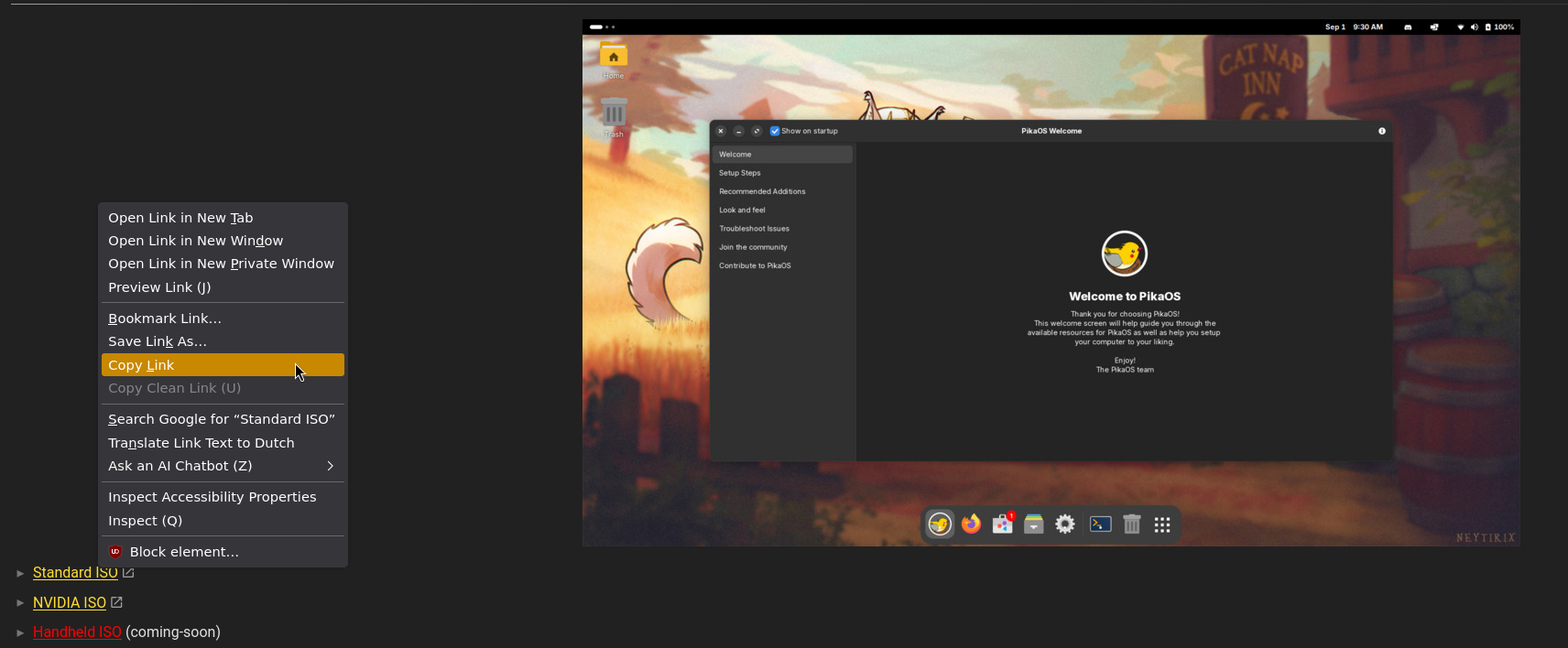
- Go to the official PikaOS download page.
- Right-click the download button.
- Select Copy link address.
¶ Step 2: Retrieve the MD5 Checksum
- Open a new tab in your web browser.
- Paste the copied link into the address bar.
- Change the file extension at the end of the URL from
.isoto.md5 - Press Enter to view the checksum text.

¶ Step 3: Generate the MD5 Hash Locally
- Open your terminal application.
- Navigate to your download folder:
cd ~/Downloads
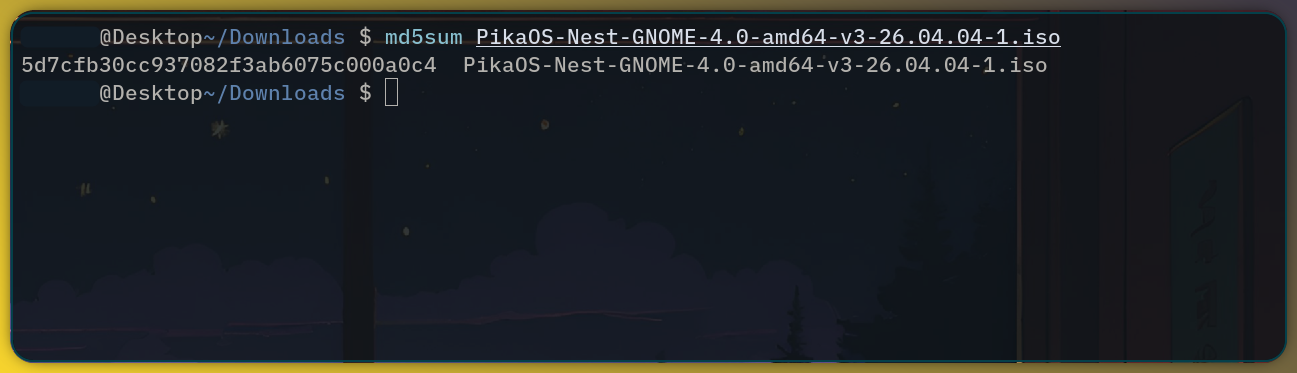
- Run the MD5 command followed by your exact ISO filename:
md5sumfilename.iso
¶ Step 4: Compare the Checksums
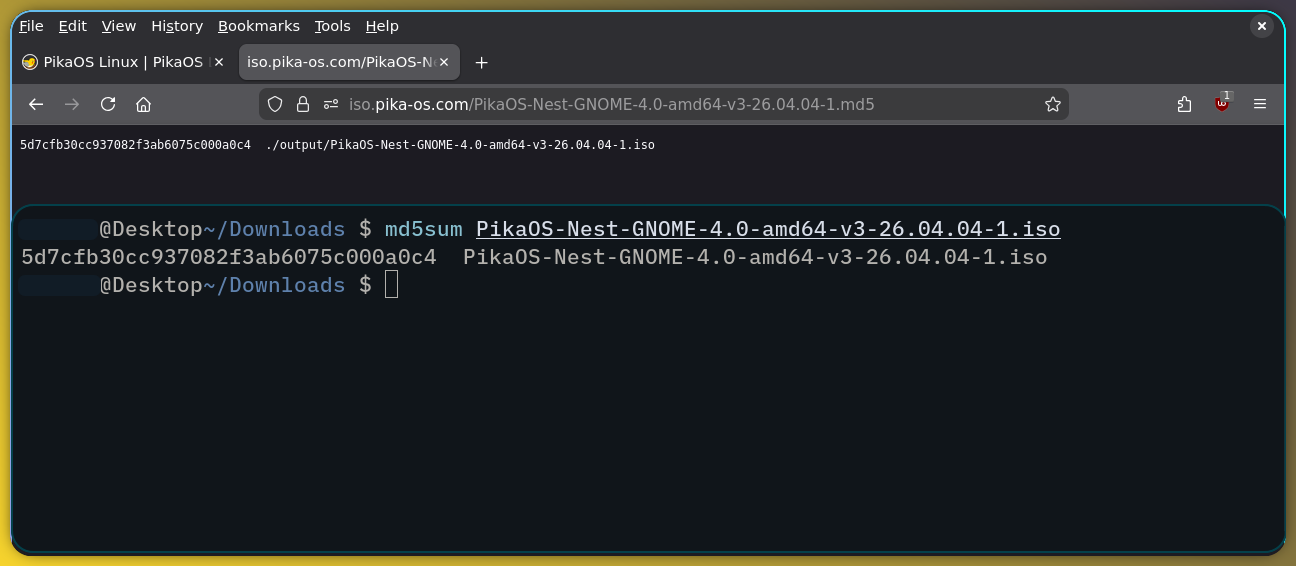
- Compare the string of characters from your terminal with the text obtained in Step 2.
- If the two strings match exactly, your download is successful and uncorrupted.
- If they do not match, delete the file and download the ISO again.
⚠️ Warning: Never install an ISO where the checksums do not match. This indicates a corrupted download or a compromised file.